Grocery Store App
Research and design the UX and UI of a grocery store app to facilitate users’ experience when shopping.
Role
UX/UI Designer
The Problem
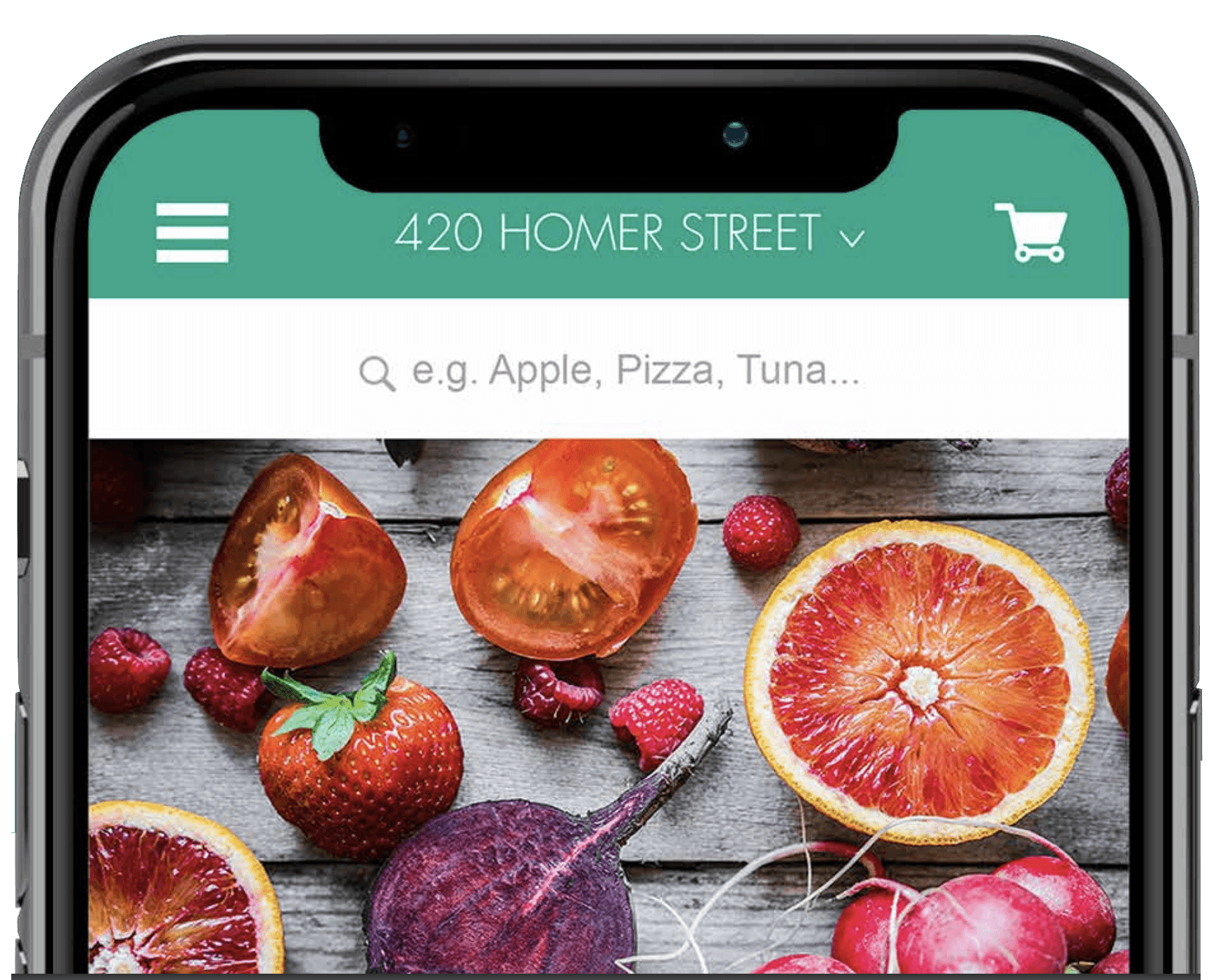
Shopping apps, in general, tend to have so much information, which results in complicated organizational systems that make the user’s experience less intuitive and straightforward.
Process and Research
Observations
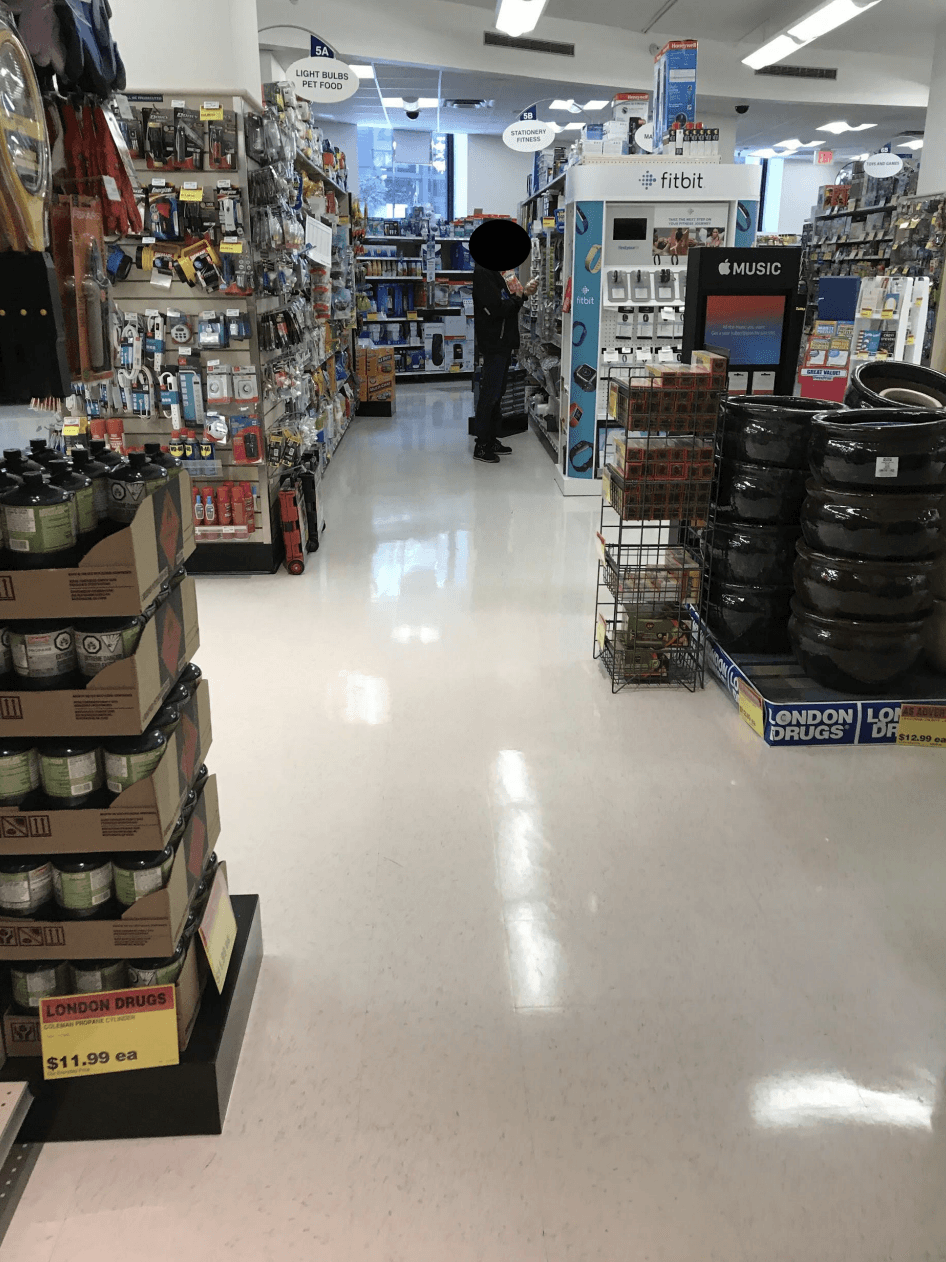
People don't get a lot of things, fewer than five items.
The majority of people were buying snacks.
There was only one cashier, and there was a line.
People didn't browse for too long.
Competitive Analisys
Real Canadian Superstore
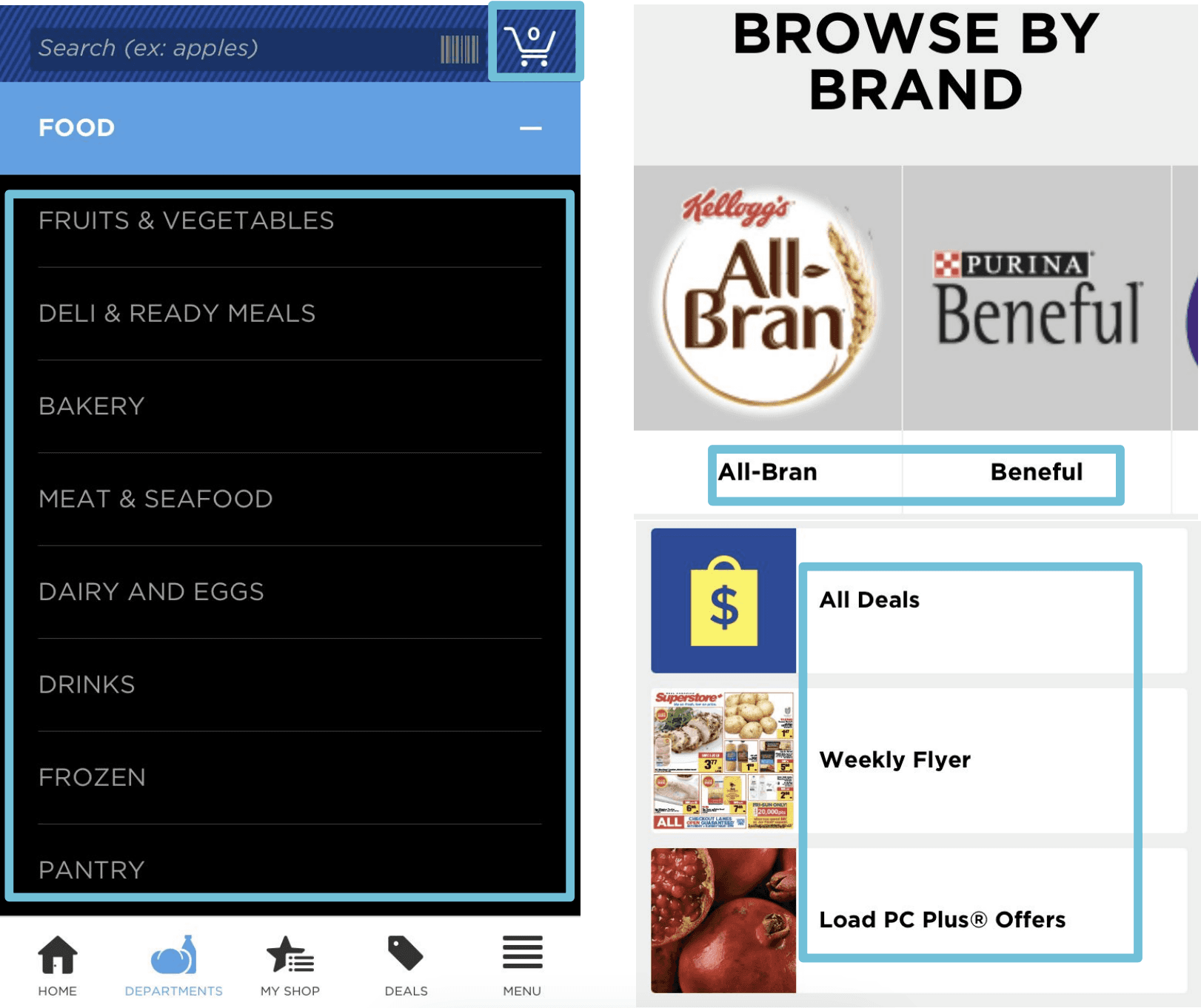
Categories have the same name as the aisles in the store.
Users can browse by brand.
The app have a deals section which shows all the items that have discounts.
The search bar can filter by aisles, promotions and/or brand.
Save on foods
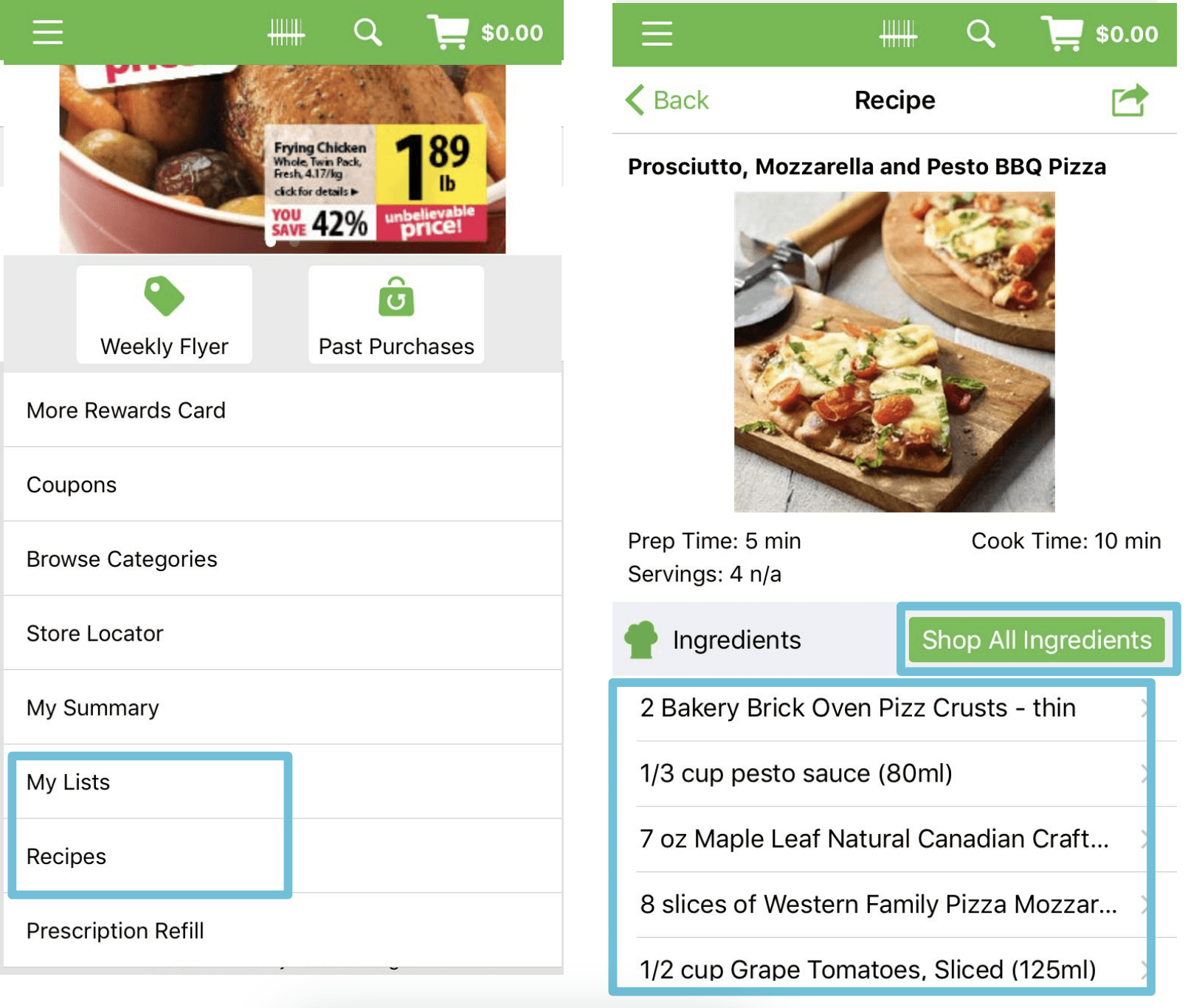
Users can create their shopping lists.
The app offers recipes, and users can buy the ingredients
on the app.
Users can choose between the In-store cart or online cart.
User Journey
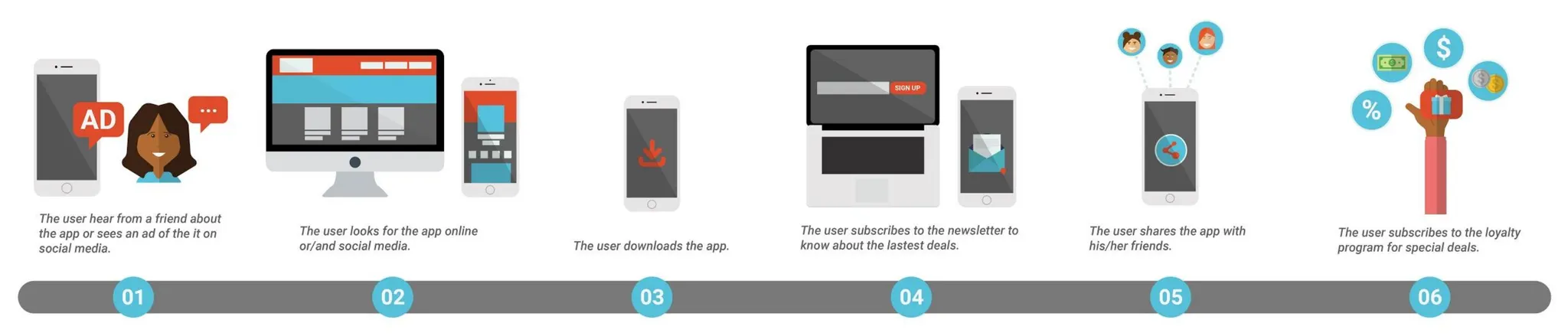
After developing a user journey, I started the prototypes and put them to the test by doing user testing. This helped me come up with better ideas for the organization of the app.
Prototyping and User Testing
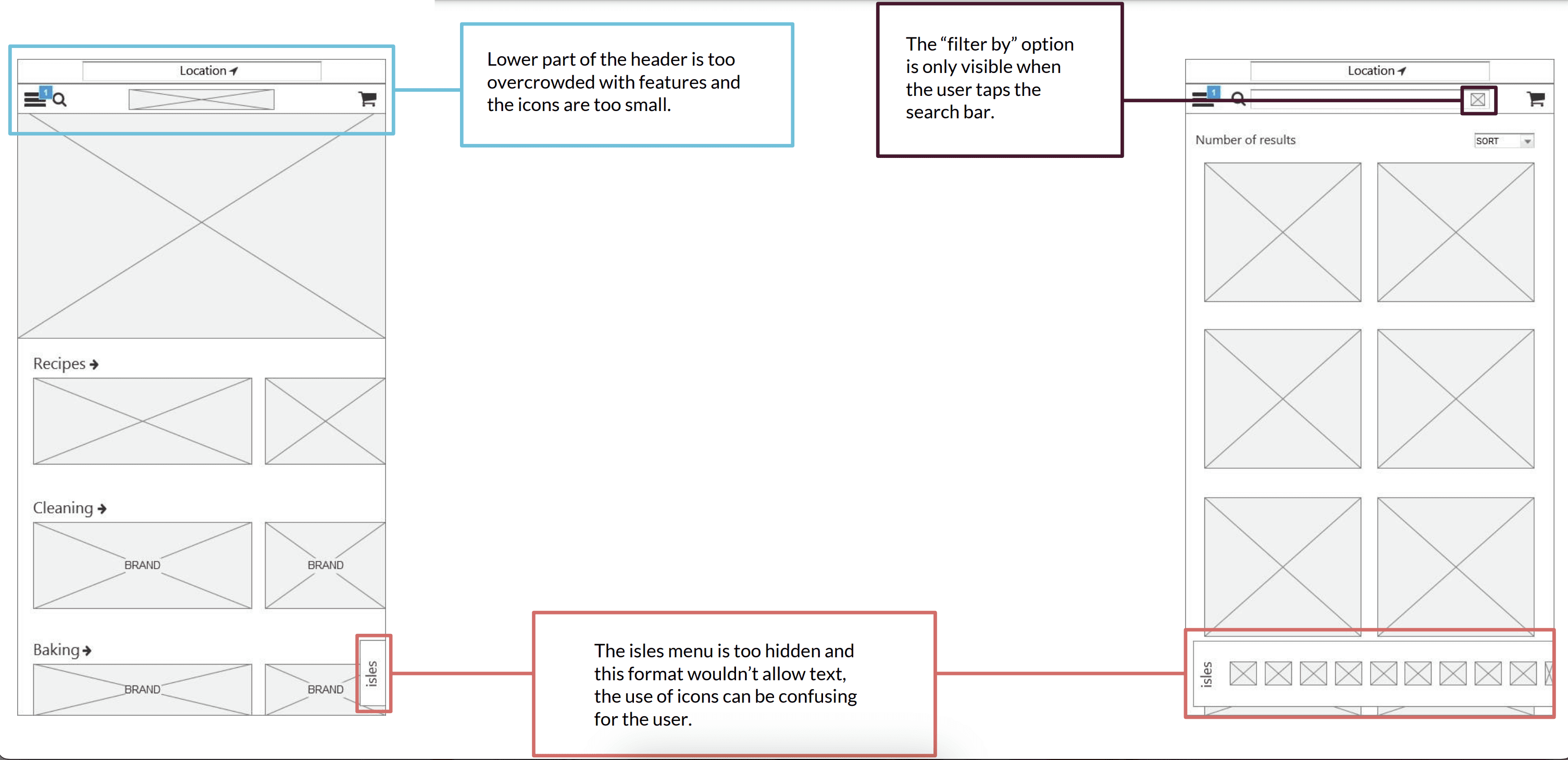
Second Prototype
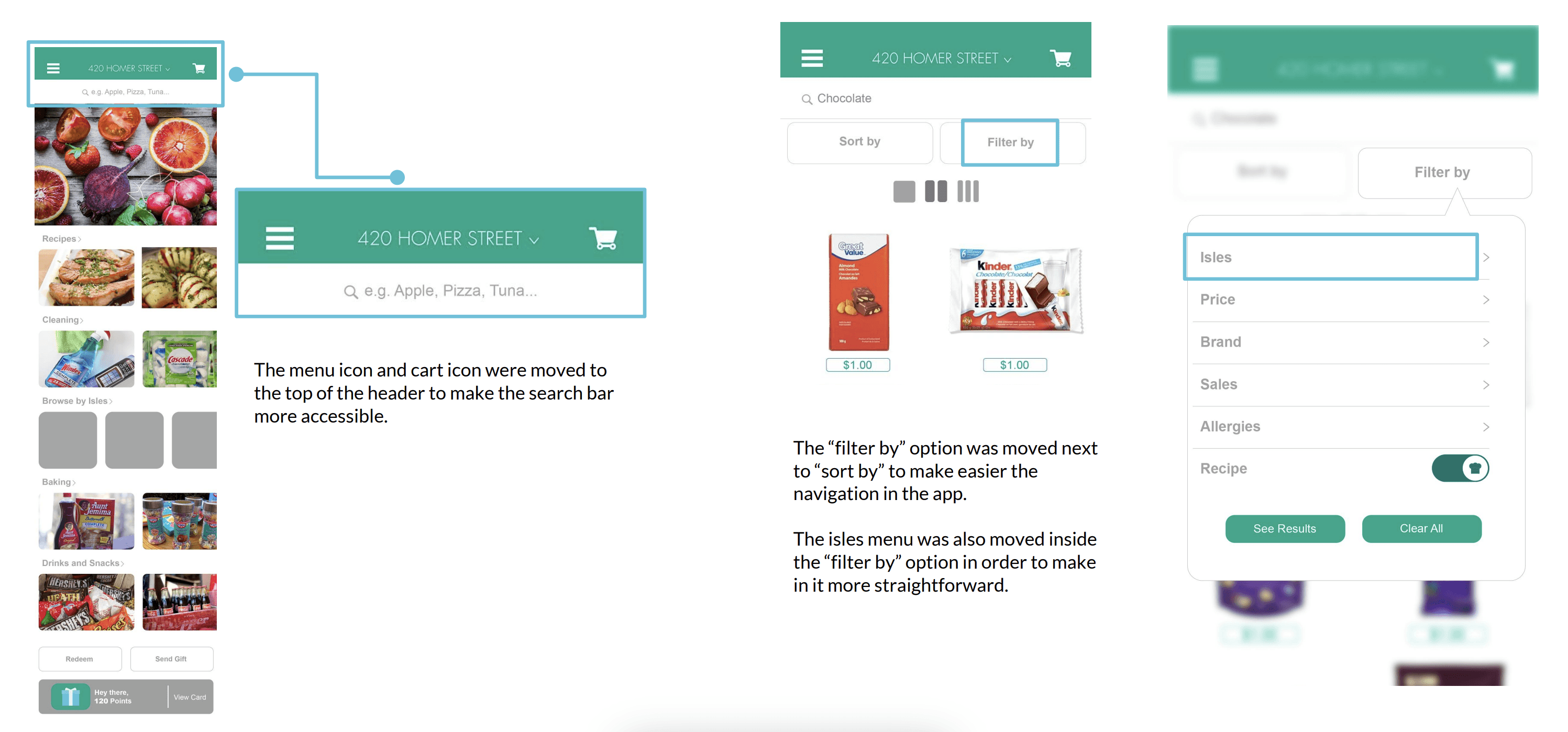
Findings
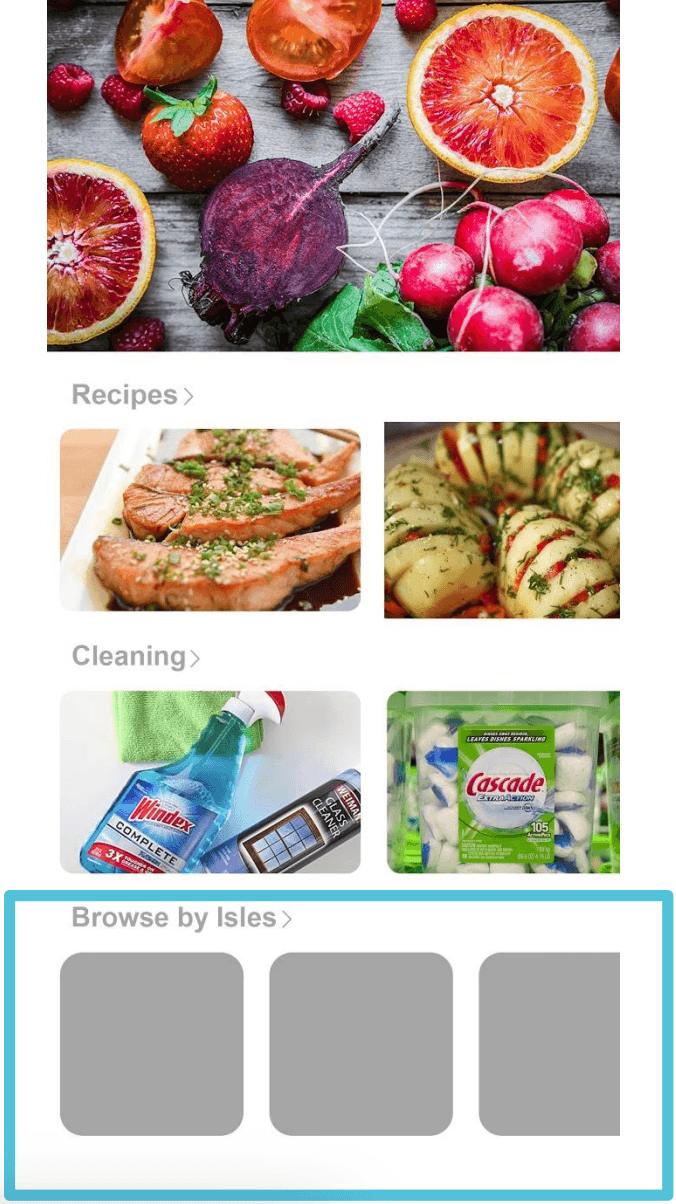
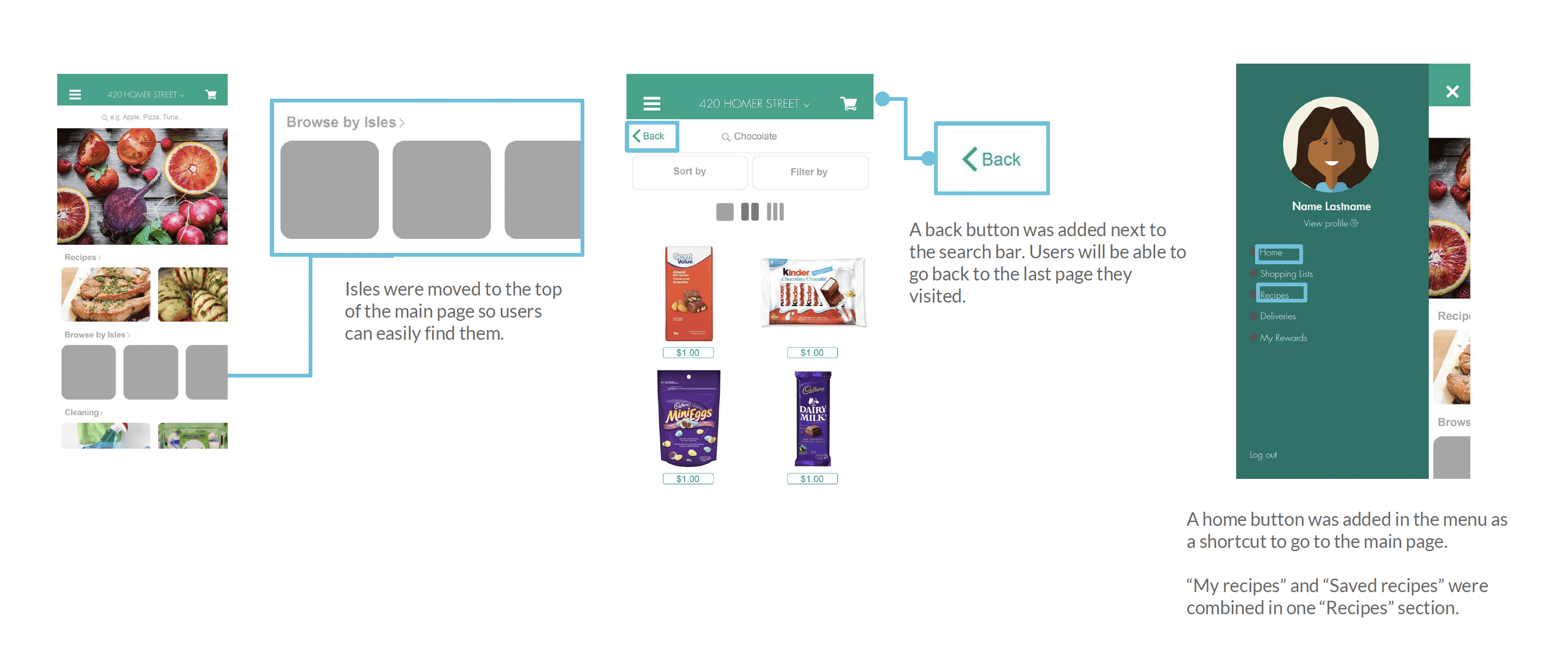
Suggestion: Isles are too hard to find since the user must scroll down in order to find them.
Solution: Move the isles under the recipes section, so the user can see them easily.
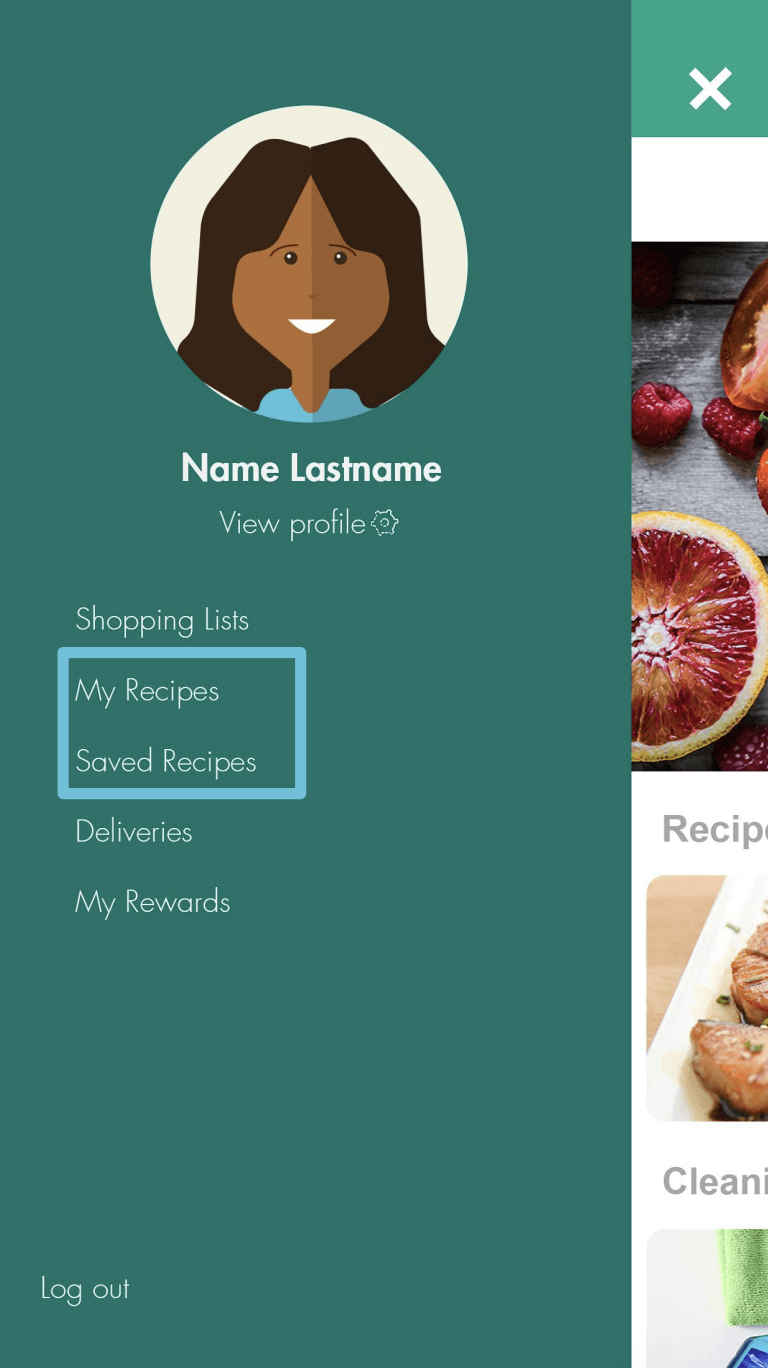
Suggestion: "My recipes" and "Saved recipes" are hard to understand and can confuse the user.
Solution: Make a "Recipes" section where the user can see the recipes he has saved and the ones he has shared.
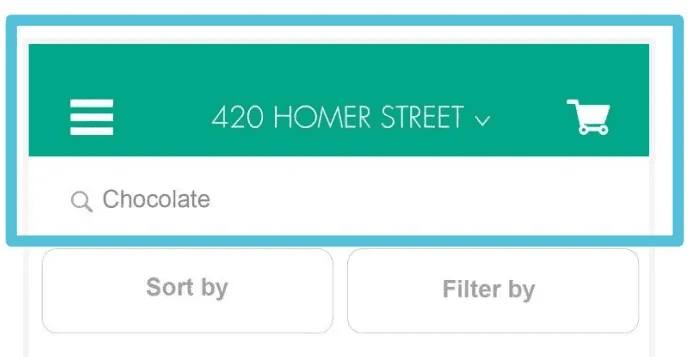
Suggestion: Users aren't able to go back to the main page or to go back to the page they were on before.
Solution: Add a "Go back" button and a home button.
Third Prototype and User Testing
Final Design
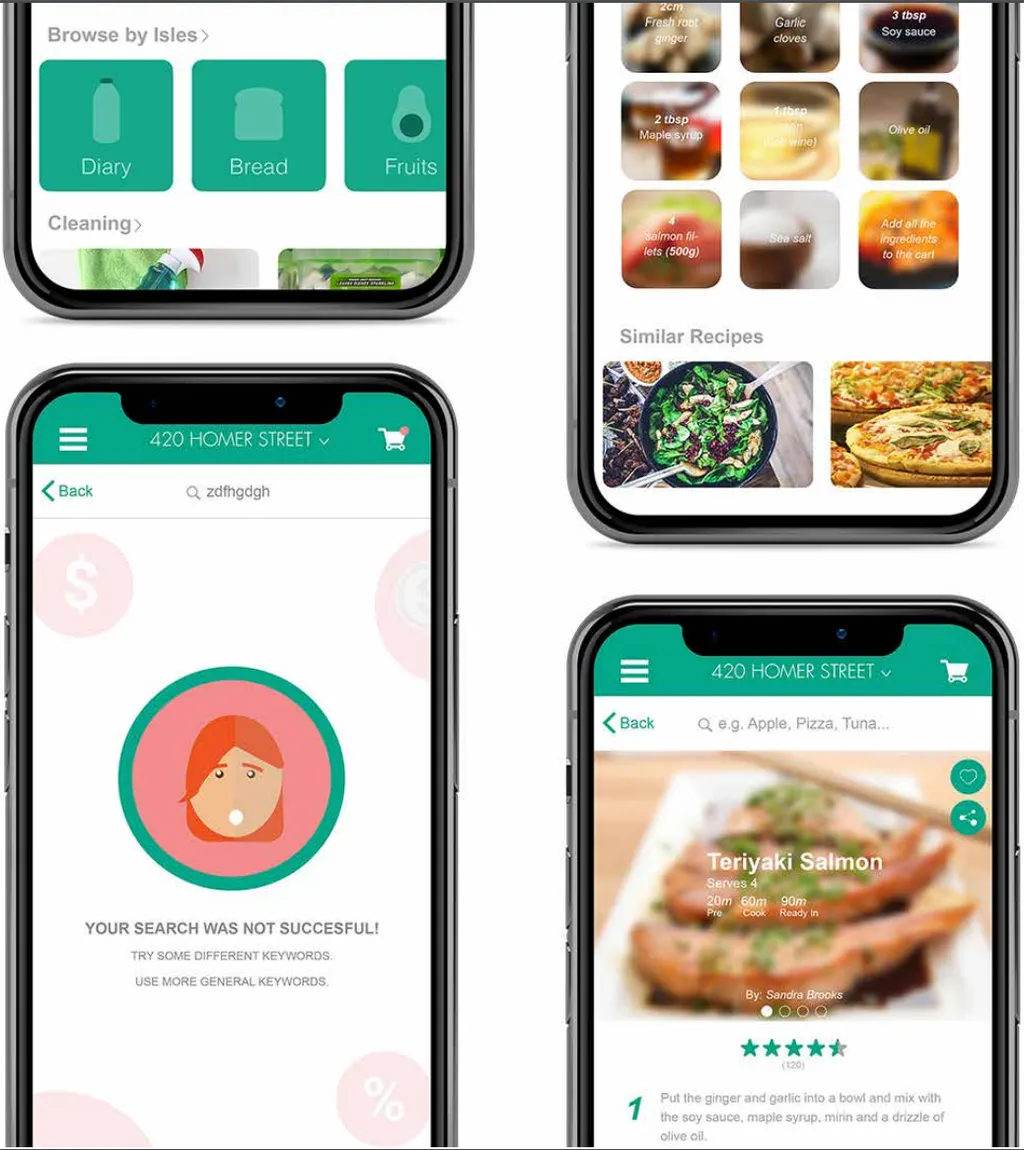
Users will be able to go back to the last page they visited.
Move the isles under the recipes section, so the user can see them easily. A back button was added next to the search bar.
A home button was added in the menu as a shortcut to go to the main page.